
OTT & Web 📖 4 min read
Streaming has made entertainment easier, but it has also created a new monthly expense that quietly grows. A subscription here, an add-on there, and soon you are paying for apps you barely open. The good news is that you can enjoy plenty of great shows and films without overspending. Here is a practical framework to choose wisely.
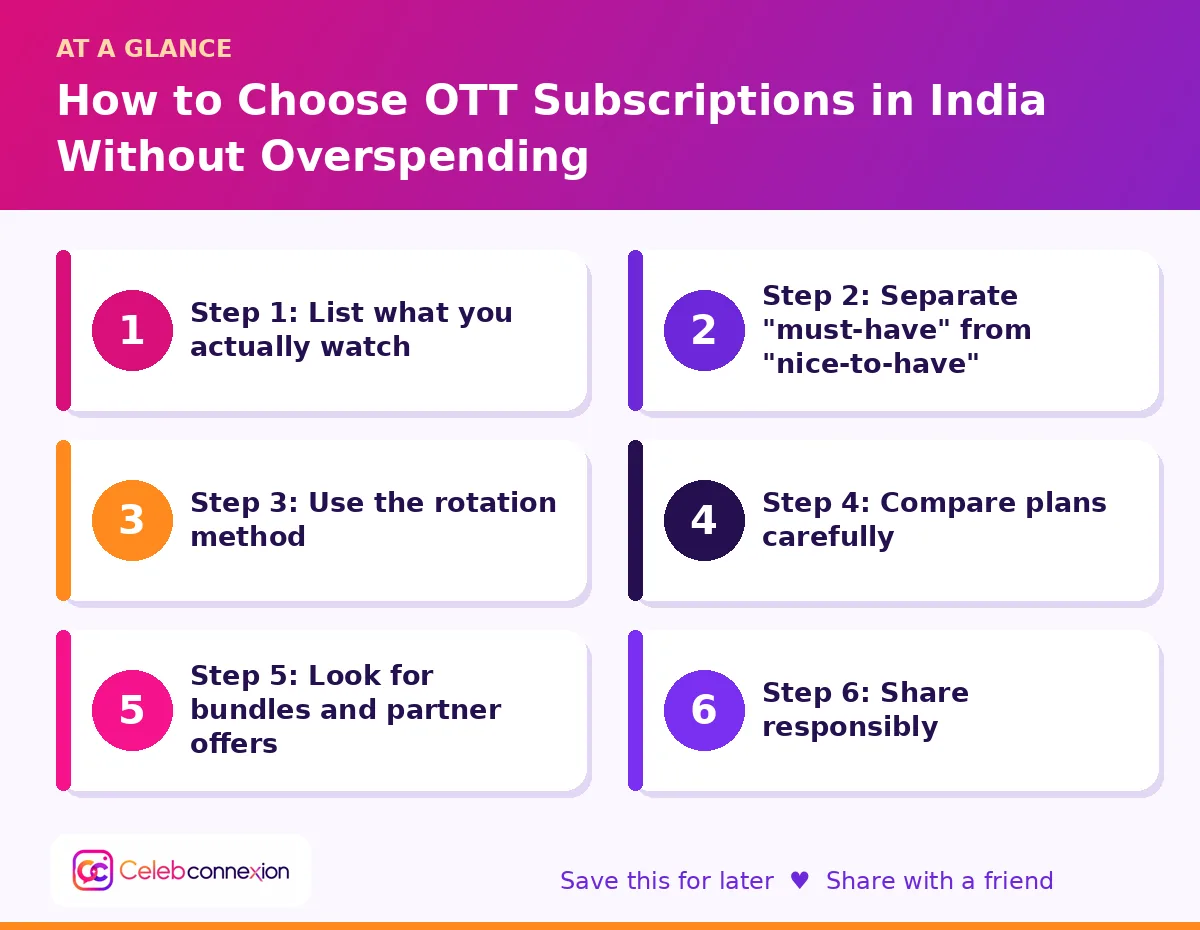
Step 1: List what you actually watch
Begin with honesty. Write down the shows, films, sports and channels you watched in the last two months. Note which app they were on and how often you opened it. Many people discover that two or three apps cover most of their viewing, while others are used once a month. This list becomes the foundation for every decision.
Step 2: Separate “must-have” from “nice-to-have”
A must-have is something you use weekly, such as a favourite series, a sport you follow or content your family enjoys together. A nice-to-have is something you watch occasionally or only when a big release arrives. Keep must-haves active, and treat nice-to-haves as temporary subscriptions that you pause when you finish a show.
Step 3: Use the rotation method
Rotation is the simplest way to save money. Subscribe to one platform for a month or two, watch the shows on your list, then cancel and move to another. Most platforms let you return later, and your watchlist is often saved. Keep a note on your phone with release dates for series you are waiting for so that you subscribe only when it makes sense.
Step 4: Compare plans carefully
Platforms usually offer different plans based on video quality, number of screens and whether ads appear. If you mostly watch on a phone, a mobile-only plan may be enough. If you stream on a television, check the maximum quality that plan supports. Compare monthly and yearly options, but remember that a yearly plan only saves money if you will really use the service for the whole year. Prices and plan names change often, so check the current details on each platform before deciding.
Step 5: Look for bundles and partner offers
Mobile operators, broadband providers, credit card programmes and e-commerce memberships sometimes include streaming access. Before paying separately, check whether you already have access through a service you use. Read the terms, though: some bundled offers have limited content, fewer screens or require you to keep another plan active.
Step 6: Share responsibly
Some plans allow multiple profiles or screens, which can be shared within a household. Make sure you follow each platform’s rules, because policies on sharing accounts outside the household differ and may change. A family plan can lower the cost per person, but only when everyone actually uses it.
Step 7: Watch out for auto-renewal and add-ons
Free trials and introductory offers often convert to paid plans automatically. Set a calendar reminder a few days before the trial ends. Review your bank or UPI statements monthly to spot recurring charges you forgot. Also check for add-on channels or premium tiers that were added during a promotion.
Step 8: Use free and ad-supported options
Several platforms offer free content with advertisements, and many broadcasters stream shows on their own apps. Public and educational channels may also provide documentaries and classics. If you do not mind ads, these options can fill gaps in your entertainment without any monthly cost.
A simple monthly budget rule
Decide a fixed monthly amount for entertainment, for example the price of a couple of cinema tickets. Spread it across your must-have subscriptions and keep one slot free for a rotating service. If a new app does not fit within the budget, pause something else first.
💬 Frequently asked questions
🎯 The bottom line
Smart streaming is about being intentional. Know what you watch, rotate services, compare plans, watch for renewals and use free options where possible. With a little planning, you can enjoy the best shows and films without letting subscriptions take over your budget.